Home Improvement Calculators: Measured in Seconds.
Free home improvement calculators for paint, flooring, tile, concrete, lumber, drywall, and room dimensions. Verified formulas with zero guessing.
Start with the most used tools.
Our most trusted estimators for home improvement, material takeoffs, and layout planning. Instant, client-side, and verified with trade formulas.
Drywall Calculator
Use this drywall calculator to calculate total drywall panels needed for wall and ceiling installations using…
Open CalculatorPaint Calculator
Use this paint calculator to determine exactly how much paint and primer your room requires before…
Open CalculatorFlooring Calculator
Use this flooring calculator to calculate exactly how many boxes of hardwood, laminate, luxury vinyl plank…
Open CalculatorTile Calculator
Use this tile calculator to estimate exact ceramic, porcelain, or stone tile pieces and boxes needed…
Open CalculatorConcrete Calculator
Use this concrete calculator to calculate cubic yards and exact bag counts for slabs, footings, round…
Open CalculatorMulch Calculator
Use this mulch calculator to calculate cubic yards, cubic feet, and 2 cu ft bags of…
Open CalculatorBrowse by project type.
Jump straight to specialized calculators organized by material, installation trade, and space planning across dedicated categories.
Paint & Walls
Wall coverage, drywall sheet counts, wallpaper rolls, shiplap, trim, and sealant estimators.
Flooring & Tiles
Hardwood, tile, subway tile, carpet, and mortar coverage with pattern waste calculations.
Concrete & Masonry
Slabs, footings, CMU blocks, stairs, retaining walls, bricks, and rebar reinforcement.
Roofing & Outdoor
Roof squares, rafters, siding, deck boards, fences, exterior stairs, asphalt, and framing lumber.
Landscaping & Ground
Mulch, gravel, topsoil, sod rolls, grass seed, sand, river rock, pavers, and patio materials.
Room & Space Planning
Room layouts, moving volume, sq ft, cubic measurements, openings, acreage, and unit conversions.
Budget, Energy & Utilities
Kitchen/bath remodel costs, DIY vs hire, HVAC BTU, ventilation CFM, insulation, and energy costs.
Accurate planning in three simple steps.
Never make a mid-project hardware store run again. Every formula incorporates actual trade allowances and real-world tolerances.
Measure Your Space
Input simple room lengths, wall heights, or project surface dimensions. Seamlessly toggle between Imperial (feet/inches) and Metric (meters/cm) at any time.
Factor Real Allowances
Calculators automatically account for cut-and-pattern waste (10–15%), subbase compaction, drywall openings, and coverage per gallon or bag.
Buy the Right Materials
Get exact package and carton counts, cubic yard volumes, and unit pricing ready for your supplier order or contractor takeoff clipboard.
Learn before you build. Practical trade tutorials.
Explore step-by-step guides on room perimeter measurements, substrate preparation, material takeoff calculations, and contractor estimates.

Furniture Clearance Chart: How Much Space to Leave Around Furniture
Furniture clearances in inches and cm: 36 in main walkways, 14 to 18 in sofa to coffee table,…
Read Tutorial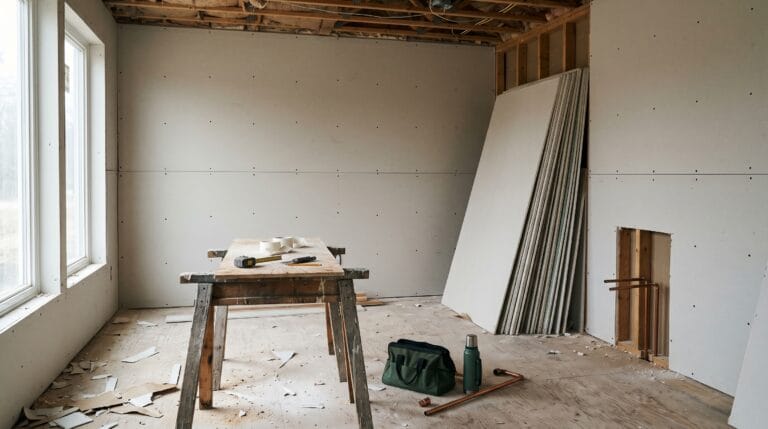
How Many Sheets of Drywall Do I Need? Room Size Chart & Formula
Add wall and ceiling area, subtract openings, add 10%, then divide by 32. Includes a sheet-count chart for…
Read Tutorial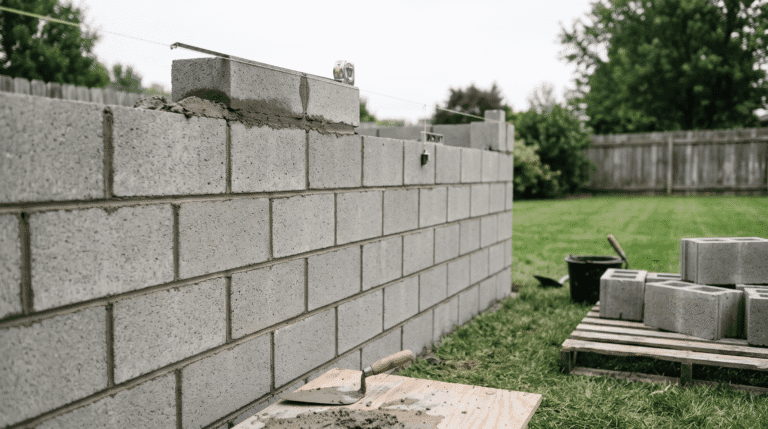
How Many Concrete Blocks Do I Need? Wall Size Chart & Formula
Multiply wall area by 1.125, then add 5% for waste. Includes a block chart for walls 4 to…
Read TutorialFrequently Asked Questions
Clear details on formula accuracy, client-side privacy, instant unit toggles, and formatted jobsite printouts.
Are these calculations verified with real trade standards?
Yes. Every calculator on LumaBasket uses verified construction trade formulas and realistic waste allowances (such as 10% for rectangular tile/flooring and 15% for diagonal layouts). Assumptions and coverage formulas are visible directly under each calculator.
Do I need to create an account or sign in?
No. All calculators run 100% client-side in your web browser. You can enter measurements, see instant calculations, switch between Imperial and Metric units, and copy results without creating an account or providing an email address.
How do I switch between Imperial and Metric units?
Every calculator features a segmented unit toggle at the top of the workspace. Switching between Imperial (feet, inches, gallons, pounds) and Metric (meters, millimeters, liters, kilograms) recalculates your numbers immediately without reloading the page.
Can I print or share my calculated estimates?
Yes. Use the "Copy Result" button to save your material numbers to your clipboard, or click "Print" for a clean, distraction-free printout formatted specifically for paper and jobsite clipboards.
Your next project starts with the right numbers.
Skip the napkin math and mid-project store runs. Use dedicated estimators built for homeowners and trades.